

Heritage Is Built To Provide
Better Outcomes
Heritage is on a mission to transform renal care by combining state-of-the-art technology with the most effective treatment plans to improve patient outcomes and enhance quality of life.
Partner With Heritage Dialysis
Benefits of Partnering
with Heritage:
-
On-site home hemodialysis services within Skilled Nursing Facilities.
-
Ability to care for high-acuity patients.
-
Experience treating ventilator, tracheostomy, bedside dialysis, and cardiac patients.
-
Simplifies renal care in the sub-acute setting.
-
Comprehensive interdisciplinary clinical team.
-
Onsite visits by RNs, nephrologists, dietitians, and social workers.
-
Routine laboratory management (monthly, bi-weekly, and as needed).
-
Medication administration.
-
Coordination of complex renal care.
-
Focus on care coordination across disciplines.
-
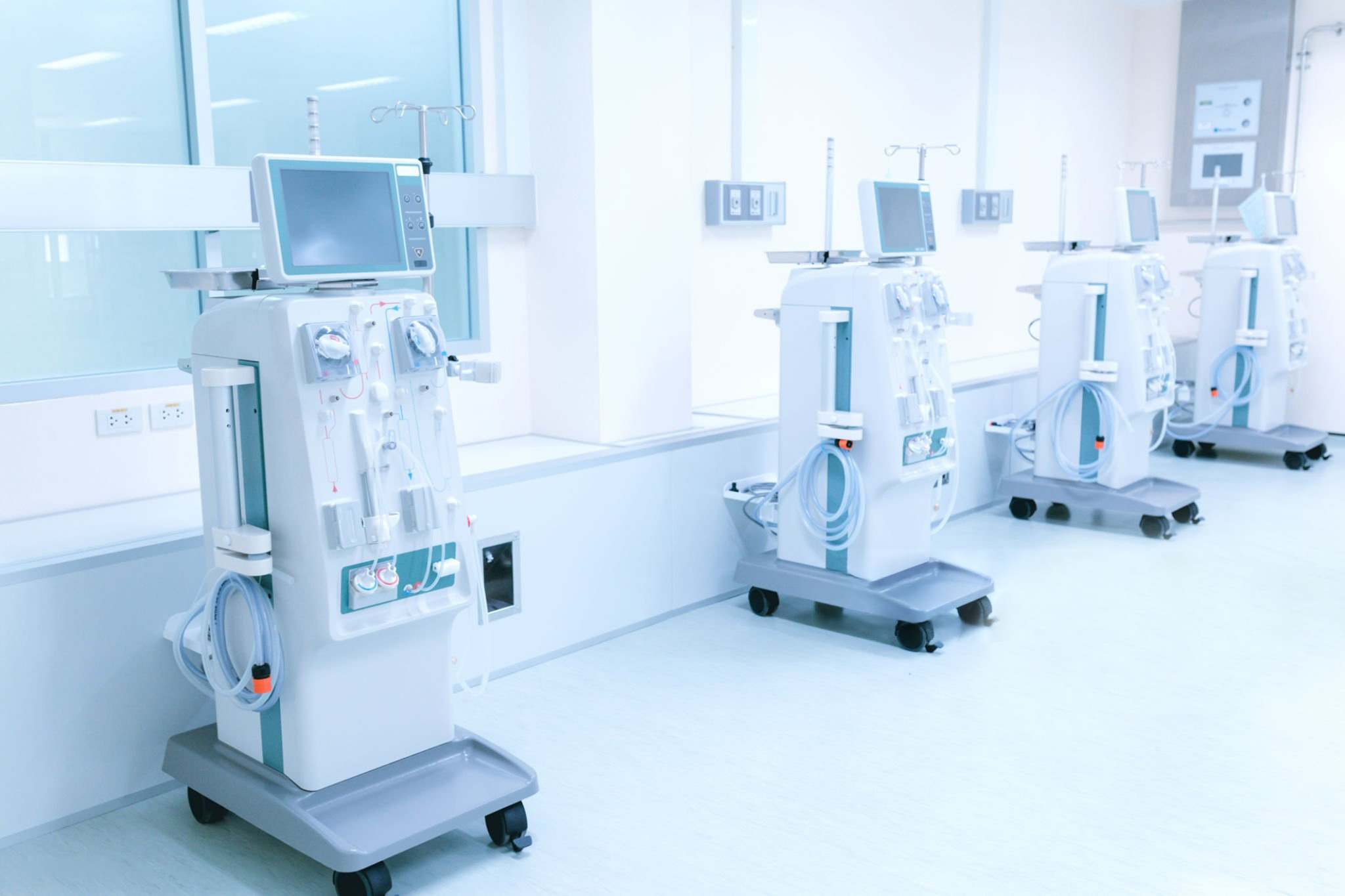
State-of-the-art dialysis technology.
-
Specialized dialysis professionals with expertise in post-acute settings.
-
Partnership model designed to support residents without transporting them to outpatient dialysis centers.


See Why Heritage Is the Premier Choice for Patients
-
On-site home hemodialysis services within Skilled Nursing Facilities.
-
Home modality within rehab setting
-
Allows you to focus on your therapy and recovery
-
Better quality of life through personalized dialysis options
-
Take back control of your life’s busy schedule
-
More time and flexibility for activities and rehabilitation
-
Shorter dialysis treatment durations
-
Individualized attention and genuine, expert care
-
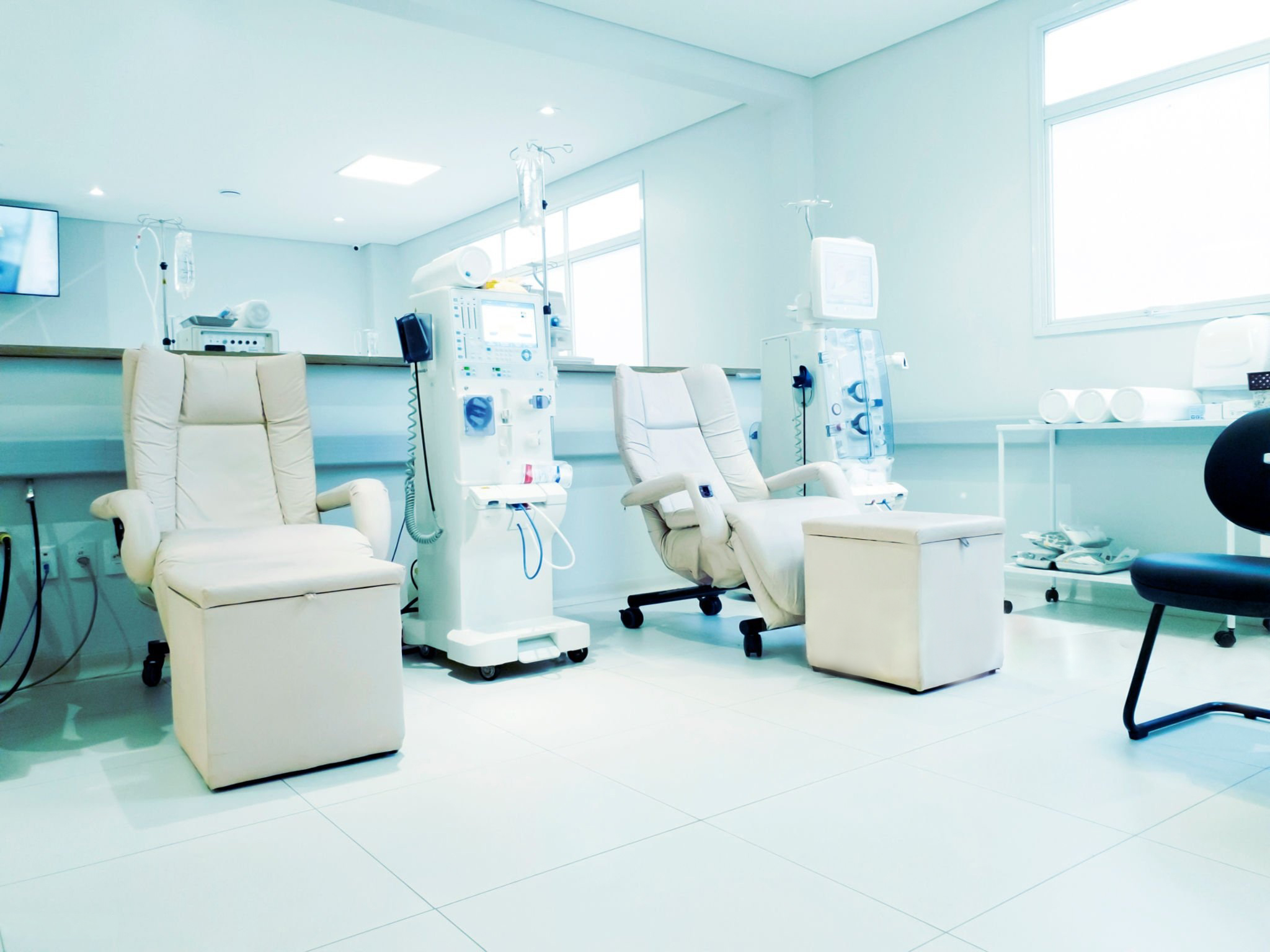
Comfortable amenities including massage recliners and personal TVs
-
Education about dialysis options so patients can choose what fits their lifestyle
-
Transplant coordination and care
-
Monthly beside interdisciplinary rounds focused on patient’s care
Our Locations
Bay County Medical Care Facility
564 W Hampton Rd, Essexville,
Michigan 48732
Brittany Manor
3615 E Ashman Street
Midland, Michigan 48642
Four Seasons Rehabilitation and Nursing
8365 Newburg Road
Westland, Michigan 48185
Laurels of Bedford
270 Bedford Rd N,
Battle Creek, Michigan 49037
Maple Manor Rehab and Neuro Center
31215 Novi Road
Novi, Michigan 48377
Optalis Health & Rehabilitation of Bloomfield Hills
2975 N. Adams Road
Bloomfield Hills, Michigan 48304
Optalis Health and Rehab of Sterling Heights
38200 Schoenherr Road
Sterling Heights, Michigan 48312
Sterling Heights, Michigan 48312
Regency at Livonia
14900 Middlebelt Rd,
Livonia, Michigan 48154
Regency at Troy
2685 W Maple Rd,
Troy, Michigan 48084
Regency at Waterford
1901 Telegraph Road
Waterford, Michigan 48328
Regency Heights Nursing and Rehab Center
19100 W Seven Mile Road
Detroit, Michigan 48219
Riverview Jefferson Health
7733 E Jefferson Ave #100,
Detroit, Michigan 48214
ShorePointe
26001 Jefferson Avenue
St. Clair Shores, Michigan 48081
Special Tree Rehabilitaion
10909 Hannan Rd
Romulus, Michigan 48174
Willowbrook Manor
4436 Beecher Road
Flint, Michigan 48532

Amer A.
Heritage is doing a very good job for my brother at Regency at Troy.

Valerie A.
Thanks to the wonderful staff at Heritage Dialysis at Regency at Troy for taking such great care of my uncle and providing him with encouragement, kindness, and compassion.
Mary Lou G. (Glenn’s wife)
Glenn responded so well to the dialysis program Heritage established. He was able to participate in therapy on days of dialysis (5 days a week!) which wasn’t happening when he received it in a clinic 3 days per week. This program allowed Glenn to get stronger at rehab while improving his overall health. Glenn was eventually able to return home which we feel is largely due to the Heritage Dialysis program the offered.
Bob T.
I’m grateful for the care provided by Heritage Dialysis for their dedicated care which ultimately led to me gaining kidney function and my catheter removed
Jeanne S.
I highly recommend Heritage Dialysis
Patti T.
What really makes the difference is the team. Having the same techs and nurses every day has made treatment feel personal. We’ve built real relationships. It’s helped me feel more present and less isolated.
Cindy T.
Running 5 days a week made a huge difference not just for me, but for my family too. They’ve noticed how much more energy I have, how much better I feel, and how much more present I’ve been. That means everything.
Peggy K.
I loved that I didn’t have to leave rehab to go out to dialysis. I could focus on my therapy without the added stress of leaving the building for dialysis, which would have left me too exhausted to fully participate in my recovery
Raymond S.
I’ve been doing dialysis for almost 5 years now and Heritage is better than anywhere else I’ve been